
Creating a home workspace that is both cozy and productive can significantly improve your work-from-home experience. Whether you spend a few hours or a full day working at home, having an environment that feels welcoming and helps you stay focused can make all the difference. Here are some practical tips to help you design a space that supports your well-being and efficiency.
Choose the Right Location
Start by selecting a spot in your home where you can work comfortably with minimal distractions.
– Natural Light: Opt for a space near a window if possible. Natural light boosts mood and reduces eye strain.
– Quiet Area: Pick a place away from high-traffic zones to prevent interruptions.
– Space Availability: Ensure there’s enough room for your desk, chair, and any equipment you need.
Invest in Comfortable and Ergonomic Furniture
Comfort is key to maintaining productivity.
– Ergonomic Chair: Choose a chair that provides good lumbar support and adjustable height.
– Desk: Select a desk that fits your space and allows you to work comfortably. Standing desks could be a great option to vary posture.
– Proper Setup: Adjust your monitor or laptop so that your eyes are level with the screen to prevent neck strain.
Create an Organized and Clutter-Free Zone
A tidy workspace helps your mind stay clear.
– Declutter Regularly: Remove unnecessary items from your desk daily.
– Storage Solutions: Use shelves, drawers, or organizers to keep your supplies accessible but out of the way.
– Cable Management: Keep cords and chargers neat with clips or sleeves to avoid distractions.
Personalize Your Workspace
Adding personal touches makes the space more inviting.
– Decorate Thoughtfully: Add plants, artwork, or photos that inspire you but avoid overcrowding.
– Color Choices: Choose calming or motivating colors depending on your preferences; blues and greens are often soothing.
– Scent: Consider a subtle fragrance with a candle or essential oils to create a relaxing atmosphere.
Optimize Lighting
Good lighting helps reduce eye strain and boost productivity.
– Mix Light Sources: Combine natural light with adjustable desk lamps.
– Avoid Glare: Position monitors perpendicular to windows to prevent glare on screens.
– Use Warm or Neutral Bulbs: Soft white light can create a cozy ambiance without being harsh.
Manage Noise and Distractions
Keeping noise levels down helps you concentrate better.
– Noise-Canceling Headphones: These are great for blocking out household noises.
– Sound Machines or Music: Some people find ambient sounds or soft music improve focus.
– Set Boundaries: Inform family members or housemates of your working hours to minimize interruptions.
Incorporate Break Areas or Movements
Taking short breaks refreshes your mind and body.
– Stretch Regularly: Incorporate quick stretches or stand up frequently during work.
– Comfort Corner: If space allows, set up a cozy chair or nook separate from your desk for brief breaks.
– Hydration and Snacks: Keep a water bottle and healthy snacks nearby to maintain energy.
Use Technology Wisely
Technology should aid your workflow, not complicate it.
– Reliable Equipment: Ensure your computer, internet connection, and accessories are dependable.
– Productivity Tools: Use apps for task management, calendar reminders, and note-taking.
– Limit Notifications: Turn off non-essential notifications to maintain focus.
Maintain a Routine
Consistency helps train your brain to be productive.
– Set Regular Hours: Define when you start and stop working each day.
– Plan Your Day: Create a to-do list or outline your priorities before starting work.
– Transition Activities: Use small rituals like a morning coffee or a short walk to signal the beginning and end of your workday.
—
By thoughtfully designing your home workspace with comfort and productivity in mind, you can create an environment that nurtures your focus and well-being. Remember to regularly reassess your space and make adjustments as your needs evolve. A cozy, organized workspace is an investment in your daily success and happiness.
Related Posts
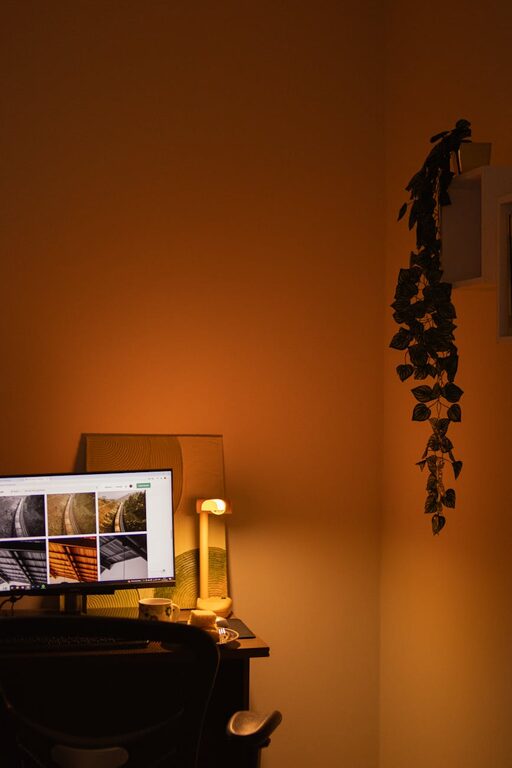
Tips for Creating a Cozy and Inviting Home Workspace
Creating a cozy and inviting home workspace can transform your…
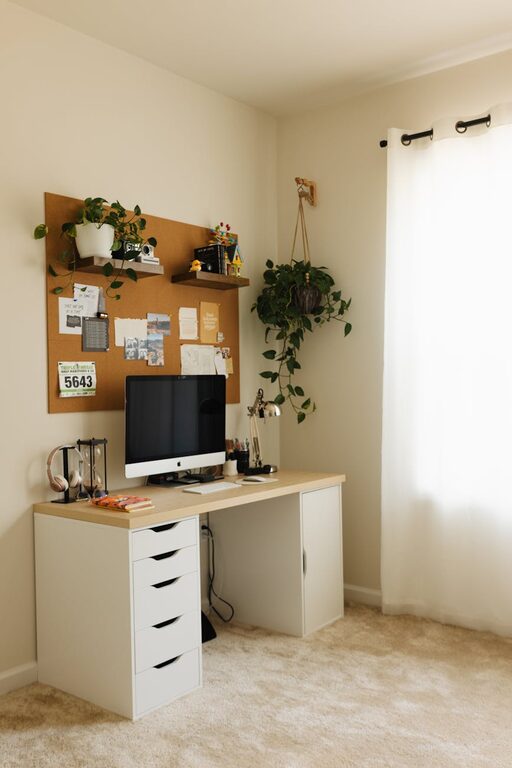
Tips for Creating a Relaxing Home Office Environment to Boost Productivity
Creating a relaxing home office environment is key to boosting…
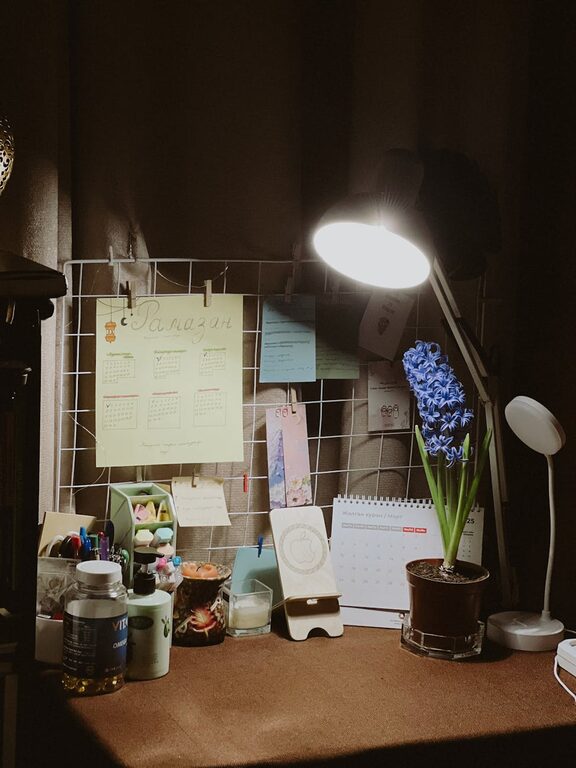
Tips for Creating an Inviting and Comfortable Home Workspace
Creating an inviting and comfortable home workspace is essential for…